


What is a Computer Forensics Report?
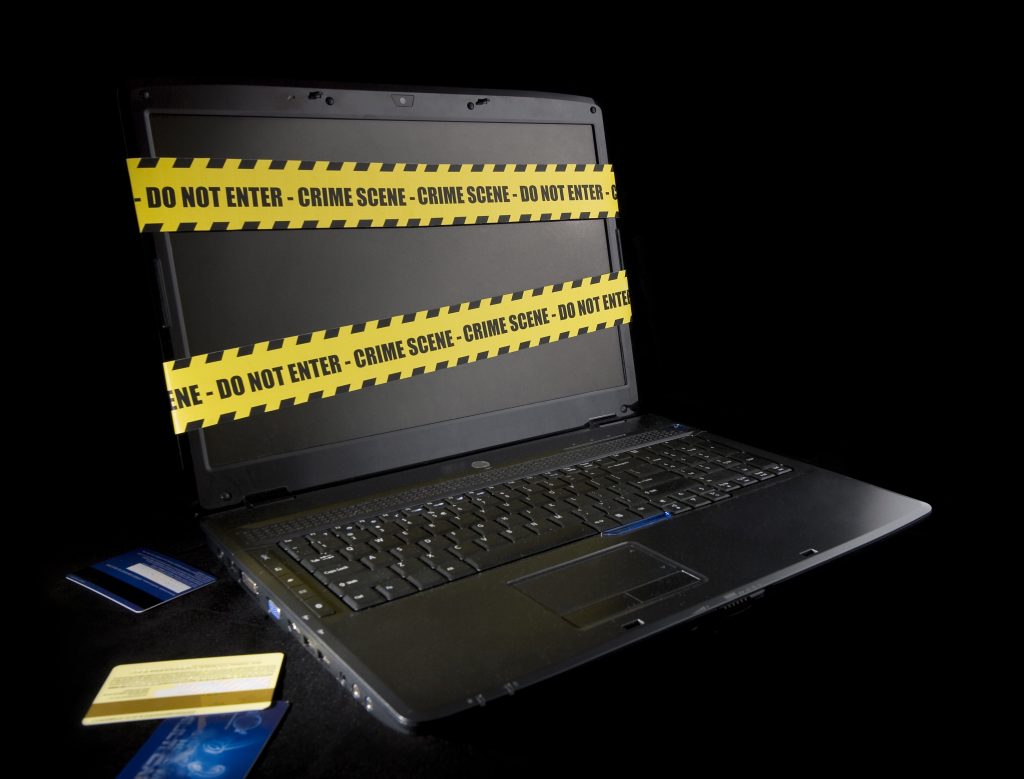
In today's world, with the widespread use of the internet, the increasing use of personal computers, and the storage of personal information in digital environments, the number of people who want to access this information without authorization has also increased. Unauthorized access has given rise to the concept of cyber crimes such as hacking, credit card fraud and identity theft. Digital forensics has emerged as the scientific field that investigates such incidents.
Why is a Computer Forensics Report Needed?
- If you need a forensic report that can be used in courts regarding the damage caused by ransomware viruses that infected your computer
- If you suspect that information has been leaked from your company
- If you suspect that your spouse or partner is cheating on you through social media
- If you think your child has accessed people who may cause psychological harm to them (pedophilia, etc.) or sites that may misinform them (terrorism, etc.) over the internet
- If you think your child is playing a game you don't want them to play (Blue Whale, etc.)
- If you suspect that someone has accessed your computer remotely over the network or physically without your permission
- If you think the passwords of your social media accounts have been accessed through keylogger programs on your computer
This means you need this report. Our reports are prepared in accordance with forensic standards and presented in a format that can be used in court proceedings. You can be sure that they will be written taking these criteria into account.
What Data is Obtained from Computer Examination Report?
- User information, messages and posts, usernames and passwords related to social media accounts such as Facebook, LinkedIn, Instagram, etc.
- USB drives connected to the computer and other devices connected by other means
- Website links related to visited sites
- Words and sentences searched on search engines
- Users and permissions on the computer
- Malware (malicious software) in the system or software that may be malware
- Sites that may be dangerous (connected to malicious software)
- Software running in the background
- Commands executed in Terminal (CMD)
- How a virus entered your system and what it was infected with (if infected via USB device, USB ID number or via email over the internet)
- Phone backups found in the system can be accessed
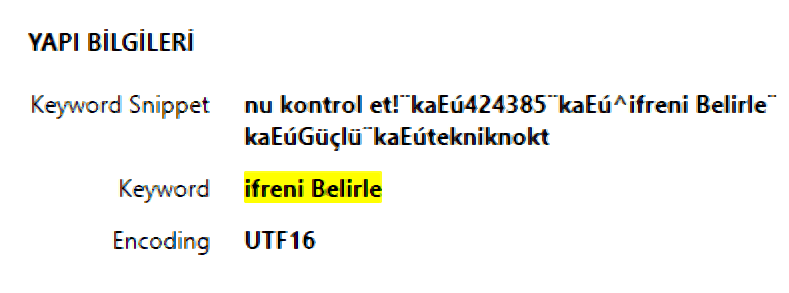
Our expert staff aims to prepare the most accurate technical report with case-by-case evaluation, taking into account the points to be considered when preparing examination reports. We work with court-compliant, up-to-date and licensed tools; certificates are shared upon request.
To get more information, you can write to us from the contact section, reach us through our phone numbers, or visit our company for a face-to-face meeting to get information and make an application.