

How to Detect Physical Damage in Drives?
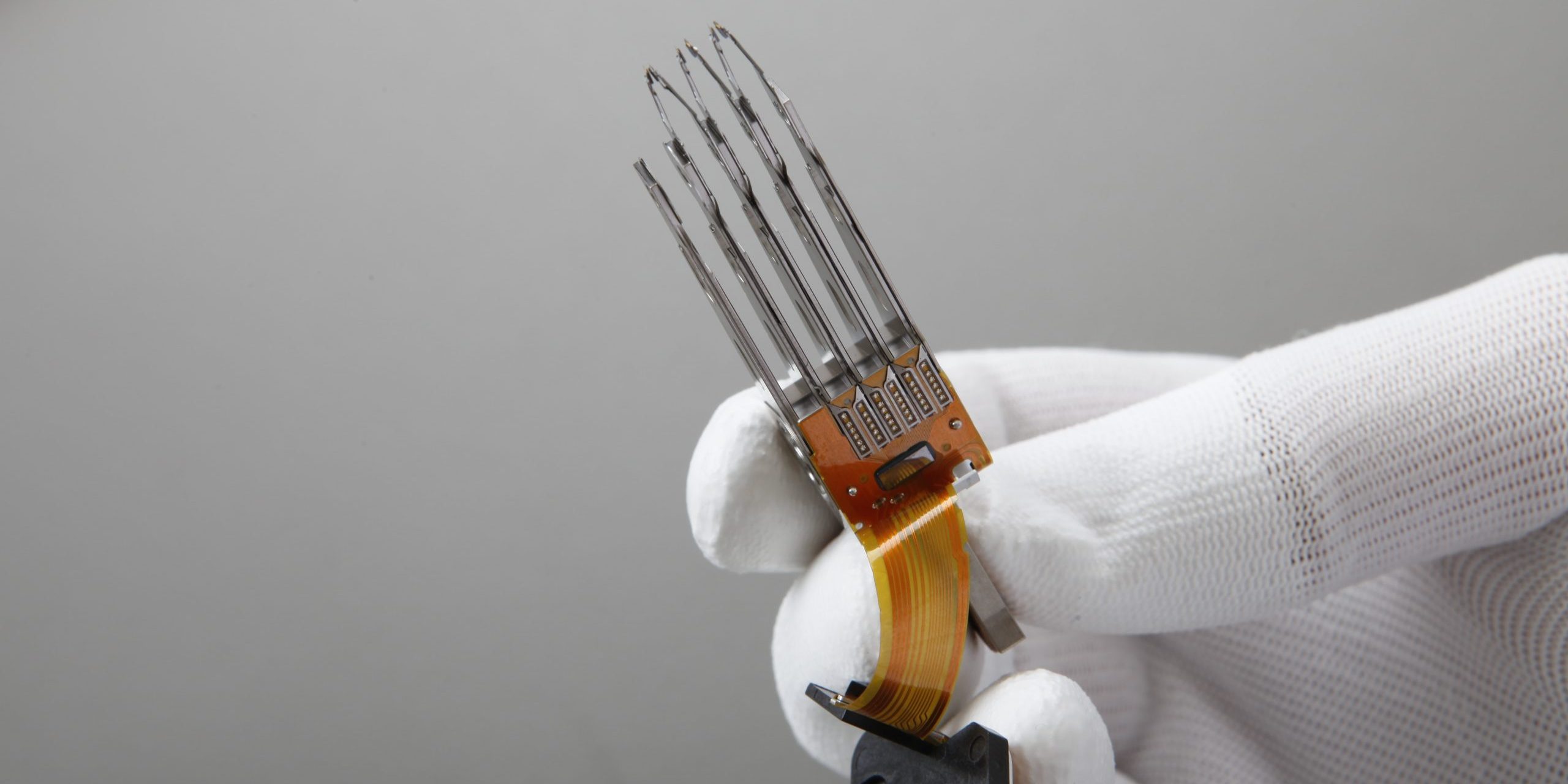
Physical damage can manifest itself in many ways, such as clicking sounds, grinding, rotation sounds, etc. To keep data loss at the lowest level:
• Do not shake, unscrew or clean the damaged hard drive or server – a wrong operation can also risk the data recovery process
* Do not try to produce solutions with DIY (do it yourself) videos, do not open the disk, do not perform operations on the electronic card. Many of the operations we mentioned are carried out in Data Recovery laboratories with years of training, experience, software specific to each problem and in laboratory environments.
• Do not try to run the device that appears to be damaged.
• Turn off the computer immediately – more operation can cause permanent damage to your valuable data.
• Do not try to fix the disk by running commands such as Chkdsk, in most unconscious interventions, the existing file structure and your files will become unusable.
• Do not use simple recovery software downloaded from the internet, in physical problem types, the physical problem will increase more with such software.
• Fire; Do not expose the disk damaged by fire to humid environments such as coolers.
• Liquid contact, Flood, Flooding and similar disaster situations; Never try to dry media with liquid contact damage by applying heat or waiting at room temperature. Oxidation will increase every passing minute and cause irreversible problems. The correct method is to keep the media in a place away from moisture before sending it to the data recovery center.
You can get information from our call center +902129161222. Tekniknokta experts are ready to help you in every way!