When the Snapshot Chain Breaks on ESXi or Hyper-V: First Steps
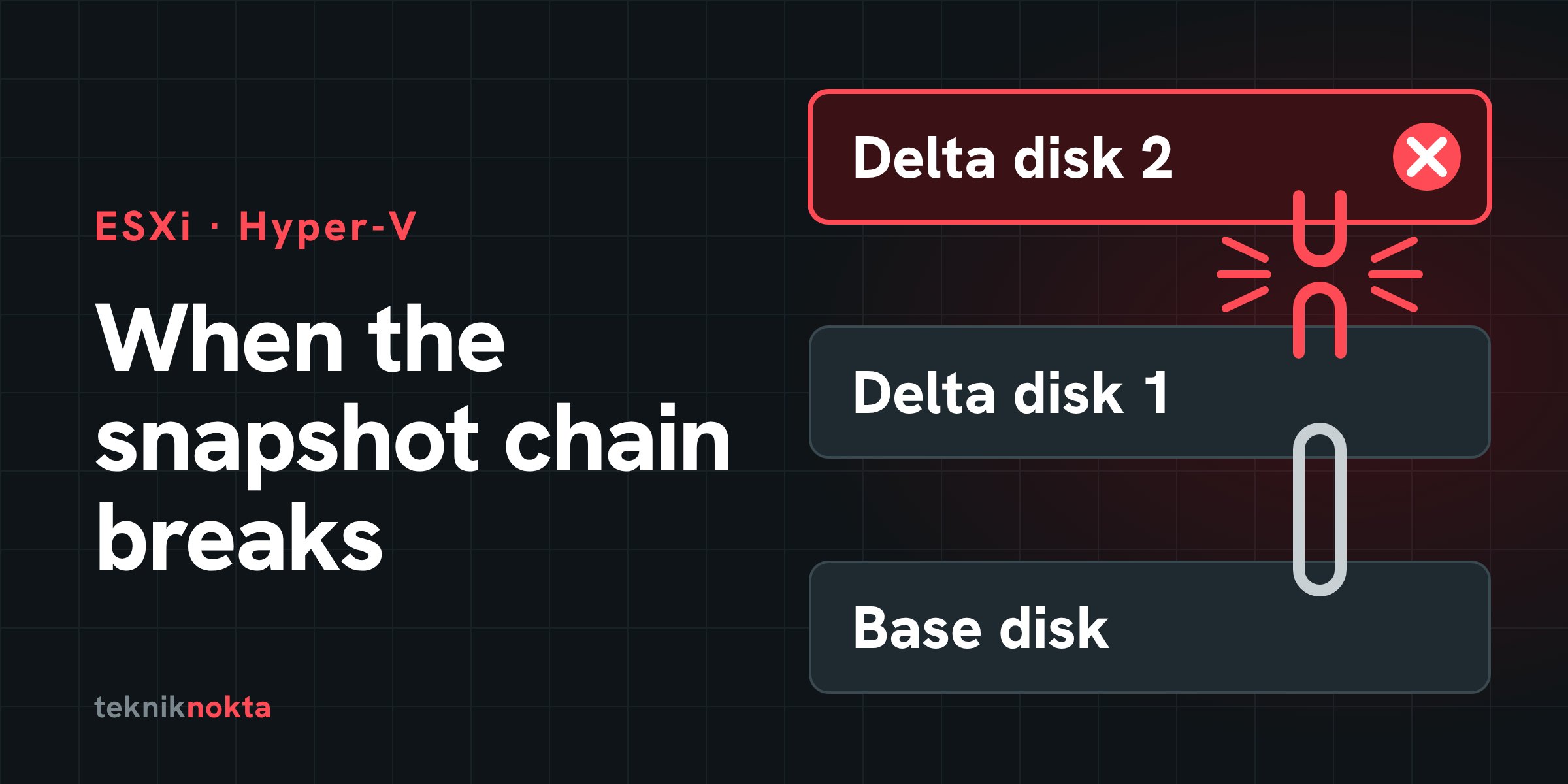
The virtual machine will not start, and the error says a disk file "does not match its parent" or "cannot be found". The data is most likely still on the datastore, but the link between the pieces is broken. The first two steps taken at this point decide whether the data comes back whole or in part. This post explains how the snapshot (checkpoint) chain works on VMware ESXi and Hyper-V, why it breaks, and what to do before you start repairing it.
Short answer: First copy all of the virtual machine's files to other storage. Do not attach the base disk on its own to a virtual machine and boot it, do not delete the delta disks, and do not choose "delete all snapshots" when there is no free space. Do the repair on the copy, after verifying the chain with read-only commands.
How the chain works
VMware ESXi. A virtual disk consists of two files: vm-flat.vmdk, where the data lives, and vm.vmdk, a small text file that describes it. When a snapshot is taken, the base disk is frozen and a new delta disk is opened: on VMFS datastores vm-000001-delta.vmdk, or on VMFS6 and for disks larger than 2 TB vm-000001-sesparse.vmdk. It has its own descriptor file too. From then on the virtual machine writes only to the latest delta disk.
What links the pieces is three lines in the descriptor files: the disk's own identifier (CID), the parent's identifier (parentCID) and the parent's file name (parentFileNameHint). Each delta disk's parentCID must equal the CID of the disk above it.
Hyper-V. The logic is the same and the names differ. The base disk is a .vhdx file and the differencing disk opened at each checkpoint is an .avhdx file. The differencing disk stores its parent's path and identifier inside itself; the virtual machine writes to the newest .avhdx file.
On both platforms there is one rule: a delta disk only makes sense relative to its parent as it was at the moment of the snapshot. If the parent changes after that, the blocks in the delta disk sit on the wrong foundation.
How the two platforms correspond:
| Item | VMware ESXi | Hyper-V |
|---|---|---|
| Base disk | vm-flat.vmdk and its descriptor vm.vmdk | disk.vhdx |
| Delta disk | vm-000001-delta.vmdk or -sesparse.vmdk | disk_XXXX.avhdx |
| Link information | CID, parentCID, parentFileNameHint in the descriptor | The parent's path and identifier, inside the differencing disk |
| Snapshot record | The .vmsd file | Checkpoint configuration files |
| Verifying the chain | vmkfstools -e | Test-VHD |
| Merging | Consolidate; or an independent copy with vmkfstools -i | Merge-VHD |
Why does the chain break?
| Cause | What happens |
|---|---|
| The datastore filled up | Delta disks grow; when space runs out the virtual machine stops and any consolidation in progress is left half done. |
| A consolidation or merge was interrupted | Power loss, a host crash, or the operation being stopped by hand. |
| Backup software left an orphaned snapshot | No snapshot shows in the interface, but the virtual machine keeps running from the delta disk. |
| The base disk was attached and booted on its own | Done "just to look at the data", this changes the base disk's identifier and its content. |
| Files were deleted or moved by hand | Delta files that looked "unnecessary" and descriptor files go missing. |
| The underlying storage failed | The chain problem is really a symptom of a RAID or LUN problem. |
The message you see tells you which kind of problem it is:
| Platform | What the message says | What it means |
|---|---|---|
| ESXi | The parent virtual disk has been modified since the child was created; the content IDs do not match | CID and parentCID disagree |
| ESXi | The disk, or one of the snapshot disks it depends on, cannot be opened | A file in the chain is missing or locked |
| Hyper-V | The chain of virtual hard disks is corrupted; the identifiers of the parent and the differencing disk do not match | The parent changed after the checkpoint |
| Hyper-V | The parent of the differencing disk cannot be located | The parent's path changed or the file is not there |
Rule one: copy first
With the virtual machine powered off, copy its entire folder to other storage: all the .vmdk files (base disk, delta disks and descriptors), the .vmsd and .vmx files and the logs; on Hyper-V the .vhdx, all the .avhdx files and the configuration files. Make every attempt from here on against the copy.
Before copying, confirm that the underlying storage is healthy. If the array is degraded or throwing read errors, do not start the copy; a large copy is the heaviest load you can put on a troubled array. Read the checklist before a rebuild first.
If the datastore is full, free up space by moving other virtual machines or ISO files, not the snapshot files.
What not to do
| Action | Result |
|---|---|
| Attaching the base disk on its own to a virtual machine and booting it | The booted operating system writes to the disk; the foundation the delta disks rest on changes. |
| Deleting delta files | Everything written since the snapshot is in them. |
| Choosing "Delete All Snapshots" or starting a consolidation with no free space | The operation needs working space; if it stops half-way the situation gets worse. |
| Reverting to an old snapshot | Changes made after that point are discarded. |
| Editing a descriptor file without backing it up | One wrong value can leave the chain unopenable, with no copy to go back to. |
Reconnecting on Hyper-V while ignoring the identifier mismatch (-IgnoreIdMismatch) | If the parent has changed, the chain looks "connected" while the content is inconsistent. |
Running chkdsk in a system booted from a wrongly assembled chain | It makes inconsistent data permanent. |
Commands for verifying the chain
The commands below are read-only.
# ESXi shell: see the links in the descriptor files
cd /vmfs/volumes/DATASTORE/VM
ls -la
grep -E "^CID|^parentCID|parentFileNameHint" vm.vmdk vm-000001.vmdk vm-000002.vmdk

# Is the chain consistent? Give it the descriptor of the latest delta disk.
# The VM must be powered off; otherwise you get "Failed to lock the file".
vmkfstools -e vm-000002.vmdk
# Hyper-V (PowerShell)
Get-VHD -Path .\disk_XXXX.avhdx | Format-List Path, VhdType, ParentPath
Test-VHD -Path .\disk_XXXX.avhdxGive grep only the small descriptor files; the -flat, -delta and -sesparse files are the data itself. On Hyper-V, if the chain is broken, Test-VHD returns False together with an error message; that is the chain's problem, not the command's.
Repair routes (on the copy)
If the chain is consistent on ESXi: the safest route is to copy the whole chain into a new, independent disk without touching the original files. The command reads every link and produces a consolidated disk; the target needs enough free space.
vmkfstools -i vm-000002.vmdk /vmfs/volumes/TARGET/vm-consolidated.vmdk -d thinAttach the resulting disk to a new virtual machine and verify it.
If only the identifiers disagree on ESXi and you are certain the base disk has not been written to since the snapshot, the chain can be re-established by setting the parentCID value in the delta disk's descriptor to the parent's CID. If the base disk has been written to, this correction makes the chain look "consistent" while the content stays inconsistent. Do not put a system opened this way back into production; use it to move the data to a clean environment.
If only the parent's path has changed on Hyper-V, the link is re-established; once the chain has been verified with Test-VHD it can be merged if you wish:
Set-VHD -Path .\disk_XXXX.avhdx -ParentPath D:\VM\disk.vhdx
Merge-VHD -Path .\disk_XXXX.avhdx -DestinationPath D:\VM\disk.vhdx
A merge cannot be undone and is done while the disks are not attached to any virtual machine; afterwards the virtual machine's disk path must be pointed at the .vhdx file. If there are several differencing disks, the merge goes link by link, from the newest to the oldest.
When to stop and get help
| Situation | What to do |
|---|---|
| The chain is consistent and only needs consolidating | Can be done on the copy |
| Only the parent's path has changed | Can be done on the copy |
| The identifiers disagree and you are certain the base disk was not written to | Can be corrected on the copydo not return the system to production |
| Delta files have been deleted or overwritten | Stop |
| The base disk has been booted and used since the snapshot | Stop |
| A consolidation stopped part-way with errors | Stop |
| The datastore does not mount, or the underlying array is degraded or offline | Stop |
| The virtual machine is encrypted and the key server cannot be reached | Stop |
Wherever the table says "Stop", the work moves from file level to block level: searching the datastore for deleted delta disks, repairing damaged file system structures, rebuilding the chain by hand. For faults on the storage side see the server data recovery page; for array problems see the checklist before a rebuild.
What to send to a laboratory
- If the problem is in the storage: all the drives of the array, labelled with their slot numbers.
- If the problem is only at file level: a complete copy of the virtual machine folder.
- Platform and version; datastore type (VMFS5, VMFS6, NFS, vSAN, or NTFS, ReFS, CSV).
- A timeline: when the problem started and what has been tried.
So it does not happen again
- A snapshot is not a backup. It sits on the same storage as the base disk and is useless without it.
- Keep snapshots short-lived. VMware's own guidance is not to keep a single snapshot for more than 72 hours and to limit the chain to two or three links.
- Set alarms for datastore free space and for the "consolidation needed" warning.
- Check regularly that backup jobs have not left orphaned snapshots behind.
- On Hyper-V use production checkpoints for production systems and merge checkpoints once the work is done.
For backup practice in virtual environments, see also how to protect your virtual environment from data loss.
Frequently asked questions
No snapshot shows in the interface, but there are delta files in the folder. Can I delete them?
No. Look at which file the disk points to in the virtual machine's configuration; if it points to a delta disk, the virtual machine is still running from it. What is needed then is a consolidation, not a deletion.
The consolidation has been running for hours. Should I cancel it?
With large delta disks that have been left to grow for a long time, a consolidation can take hours. As long as it reports no error, do not interrupt it; an interrupted consolidation is a worse problem than the one you started with.
What if I attach the base disk read-only?
If it really is attached read-only, its content does not change. In practice that is hard to guarantee; the operating system may replay journal records while mounting the disk. The safe option is to work on a copy.
Try any step you are unsure of on the copy. Analysis is free and nothing is done without your approval. Phone: 0212 916 12 22 · contact page